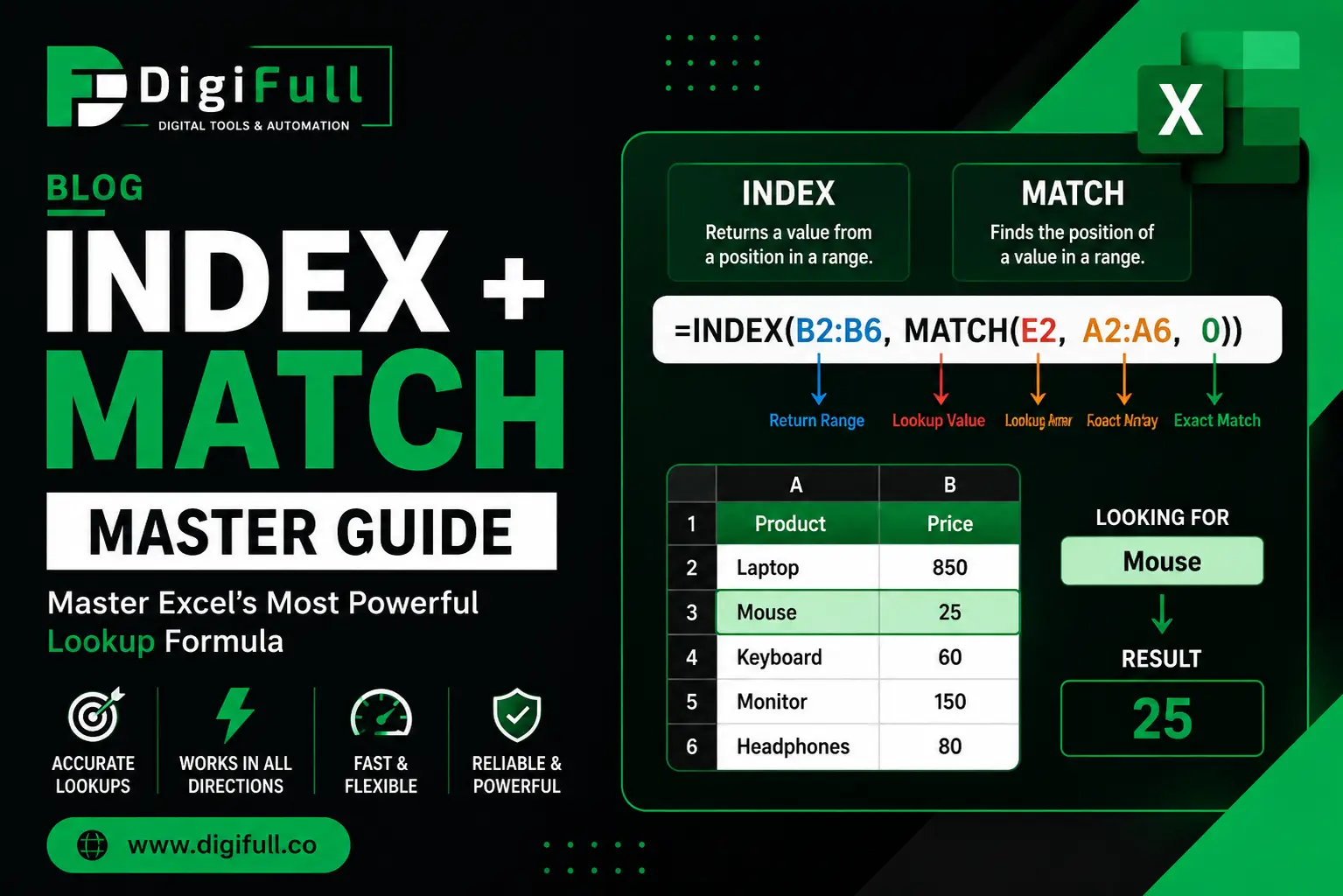
If you’ve ever worked with large Excel datasets, you’ve probably needed to search for information quickly. Whether you’re looking up product prices, employee details, sales figures, or customer information, choosing the right lookup formula can save hours of manual work.
For many years, VLOOKUP was the go-to solution. However, experienced Excel users often prefer INDEX + MATCH because it offers greater flexibility, better performance with large datasets, and the ability to perform lookups that VLOOKUP simply cannot handle.
Although Microsoft introduced XLOOKUP in newer versions of Excel, INDEX and MATCH remain essential skills. Many businesses still use Excel 2016, Excel 2019, and older workbooks where XLOOKUP isn’t available. Understanding INDEX + MATCH also gives you a deeper understanding of how Excel lookup functions work behind the scenes.
In this comprehensive guide, you’ll learn:
What INDEX and MATCH do individually
Why combining them creates one of Excel’s most powerful formulas
How to replace VLOOKUP
Step-by-step examples
Advanced lookup techniques
Common mistakes to avoid
Best practices for faster spreadsheets
Whether you’re a beginner or an experienced Excel user, this guide will help you build smarter, more flexible spreadsheets.
What is the INDEX Function?
The INDEX function returns a value from a specific position within a range or table.
Think of INDEX as asking Excel:
"Go to this list and return the value located at a specific row."
Syntax
=INDEX(array,row_num,[column_num])
Arguments
Argument
Description
array
The range containing your data
row_num
The row number to retrieve
column_num
Optional column number for multi-column ranges
Example
Product
Price
Laptop
850
Mouse
25
Keyboard
60
Monitor
150
Formula:
=INDEX(B2:B5,2)
Result:
25
Excel looks at the second row in the selected range and returns 25.
Why INDEX is Useful
Unlike manually selecting a cell, INDEX allows Excel to retrieve values dynamically. This makes it ideal for dashboards, reports, and automated spreadsheets where the row number changes based on user input.