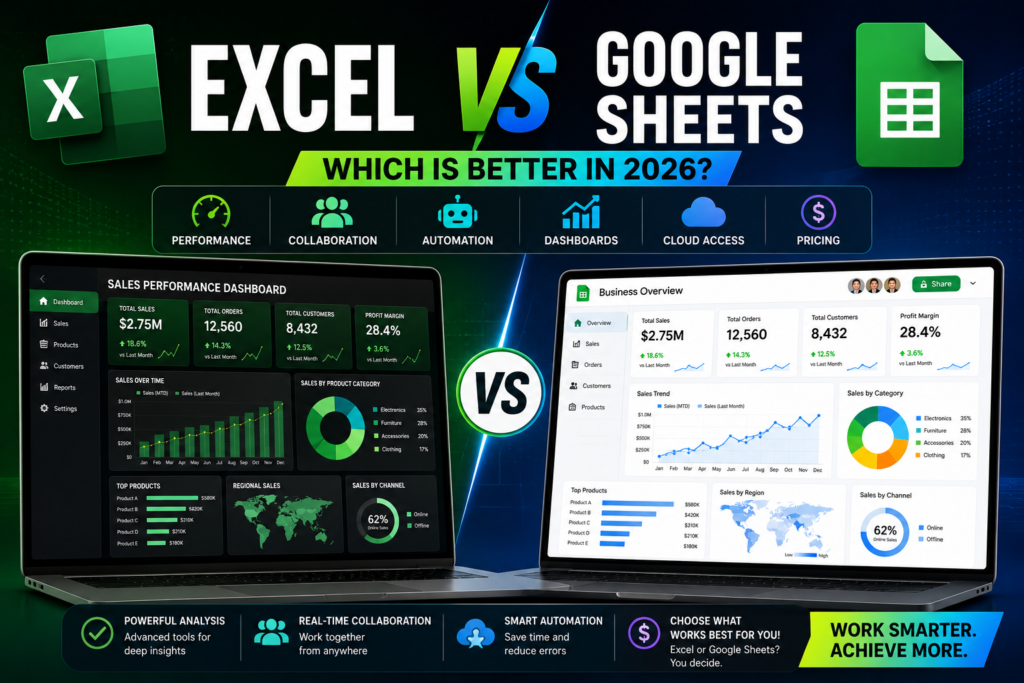
Excel vs Google Sheets: Which Is Better?

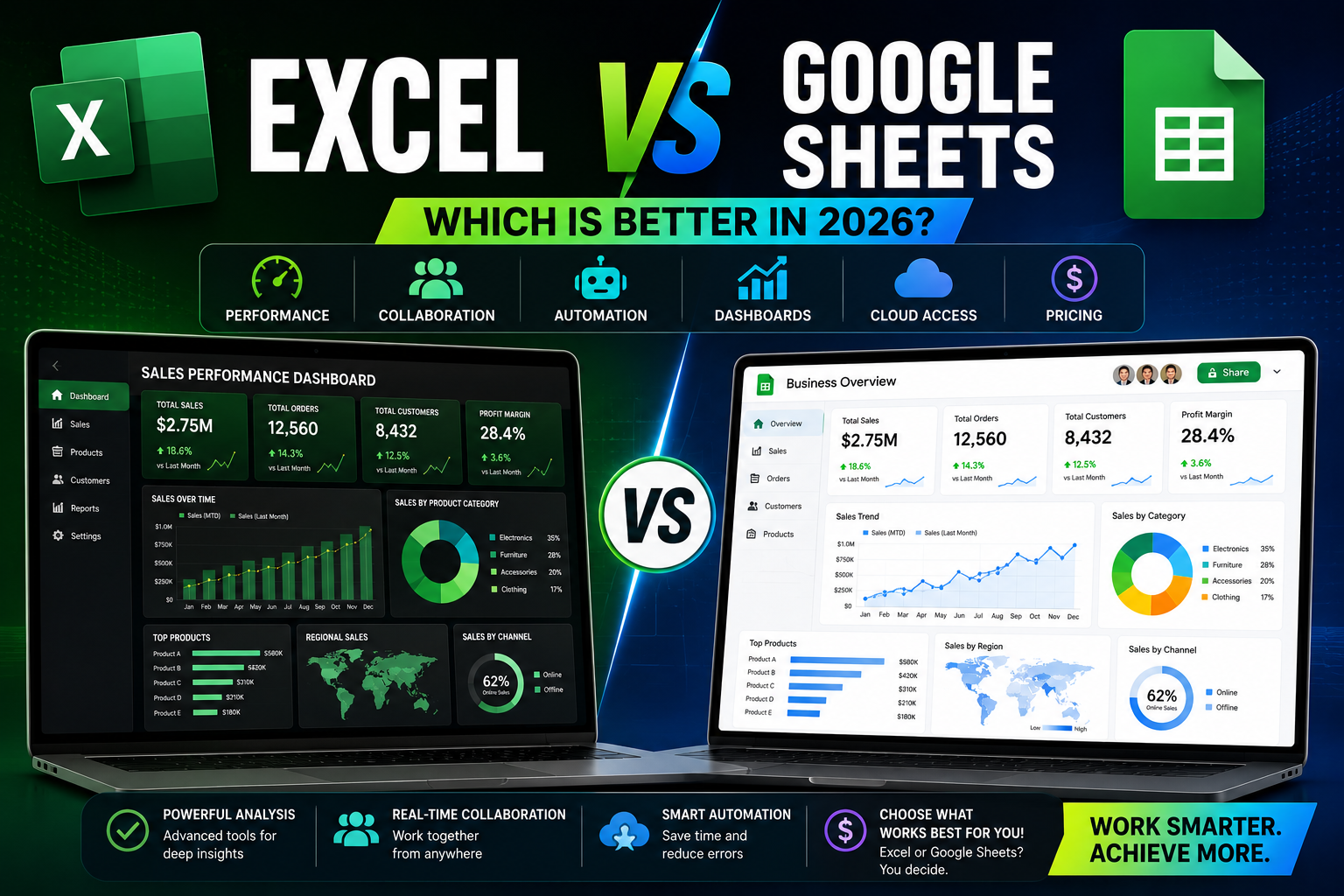
Excel vs Google Sheets: Which Is Better?
Spreadsheets remain one of the most important tools for businesses, freelancers, analysts, and project managers. In 2026, the debate between Microsoft Excel and Google Sheets continues stronger than ever.
Both platforms are powerful, flexible, and widely used, but each one has strengths and weaknesses depending on your workflow, team size, and business needs.
In this guide, we’ll compare Excel and Google Sheets in terms of performance, collaboration, automation, dashboards, pricing, and advanced features to help you choose the right tool.
1 Ease of Use
Google Sheets
Google Sheets is simple, lightweight, and beginner-friendly. Since it works directly in the browser, there’s no installation required.
Best For:
- Quick collaboration
- Small teams
- Simple tracking systems
- Online accessibility
Microsoft Excel
Excel offers a more professional environment with advanced tools and greater customization.
Best For:
- Advanced business reports
- Financial modeling
- Large datasets
- Complex dashboards
2 Collaboration Features
Google Sheets Wins Here
Google Sheets is designed for real-time collaboration. Perfect for remote teams and online businesses.
Key Advantages:
- Multiple users editing simultaneously
- Automatic cloud saving
- Easy sharing
- Commenting & suggestions
- Access from any device
Excel Collaboration
Excel has improved cloud collaboration through Microsoft 365, but it still feels more desktop-focused.
Advantages:
- Better file control
- Strong enterprise integration
- Offline editing support
3 Performance with Large Data
Excel Is More Powerful
Excel handles large datasets much better than Google Sheets.
Excel Strengths:
- Faster calculations
- Better performance with formulas
- Handles hundreds of thousands of rows
- Advanced PivotTables
- Better memory optimization
Google Sheets Limitations
For small-to-medium projects, it works perfectly. However, Google Sheets can slow down significantly with:
- Large formulas
- Complex dashboards
- Big imports
- Heavy automation
4 Automation & Scripting
Excel Automation
These tools make Excel extremely powerful for automation and reporting systems. Excel supports:
- VBA Macros
- Power Query
- Power Pivot
- Office Scripts
Google Sheets Automation
Google Sheets uses Google Apps Script, connected Google ecosystem, and cloud-based automation.
Great For:
- Web forms
- Online workflows
- Small business automation
- Email notifications
5 Dashboard & Reporting
Excel Dashboards
Excel remains the king of professional dashboards. Perfect for finance, management, and enterprise reporting.
Advantages:
- Advanced charts
- Better formatting
- Power Pivot integration
- Professional KPI systems
Google Sheets Dashboards
Google Sheets dashboards are easier to share online and work well for lightweight business tracking systems.
Best Uses:
- Team dashboards
- Startup reporting
- Shared KPI tracking
- Online analytics
6 Pricing Comparison
- Google Sheets: Free for most users, included with Google account, affordable business plans.
- Excel: Requires Microsoft 365 subscription, more expensive, more professional features included.
7 Offline vs Online Work
- Excel: Works perfectly offline and is ideal for users with unstable internet connections.
- Google Sheets: Primarily cloud-based and works best online.
Which One Should You Choose?
Choose Excel If You:
- Work with large datasets
- Build advanced dashboards
- Need professional financial reporting
- Use Power Query or VBA
- Need maximum performance
Choose Google Sheets If You:
- Work collaboratively online
- Need easy sharing
- Prefer cloud-based tools
- Build lightweight systems
- Want free accessibility
Final Thoughts
Both Excel and Google Sheets are excellent spreadsheet platforms in 2026. The best choice depends on your workflow and business needs.
For advanced reporting, automation, and heavy data analysis, Excel remains the most powerful option.
For collaboration, accessibility, and cloud-based workflows, Google Sheets is often the better solution.
Many professionals today actually combine both tools together to get the best of both worlds.
Suggested Related Posts
- 10 Advanced Excel Formulas You Need to Know in 2026
- How to Automate Reports Using Excel & Power Query
- Best Google Sheets Automation Tips
- How to Build a Professional Excel Dashboard
- Top Productivity Tools for Freelancers